No ISO hunting
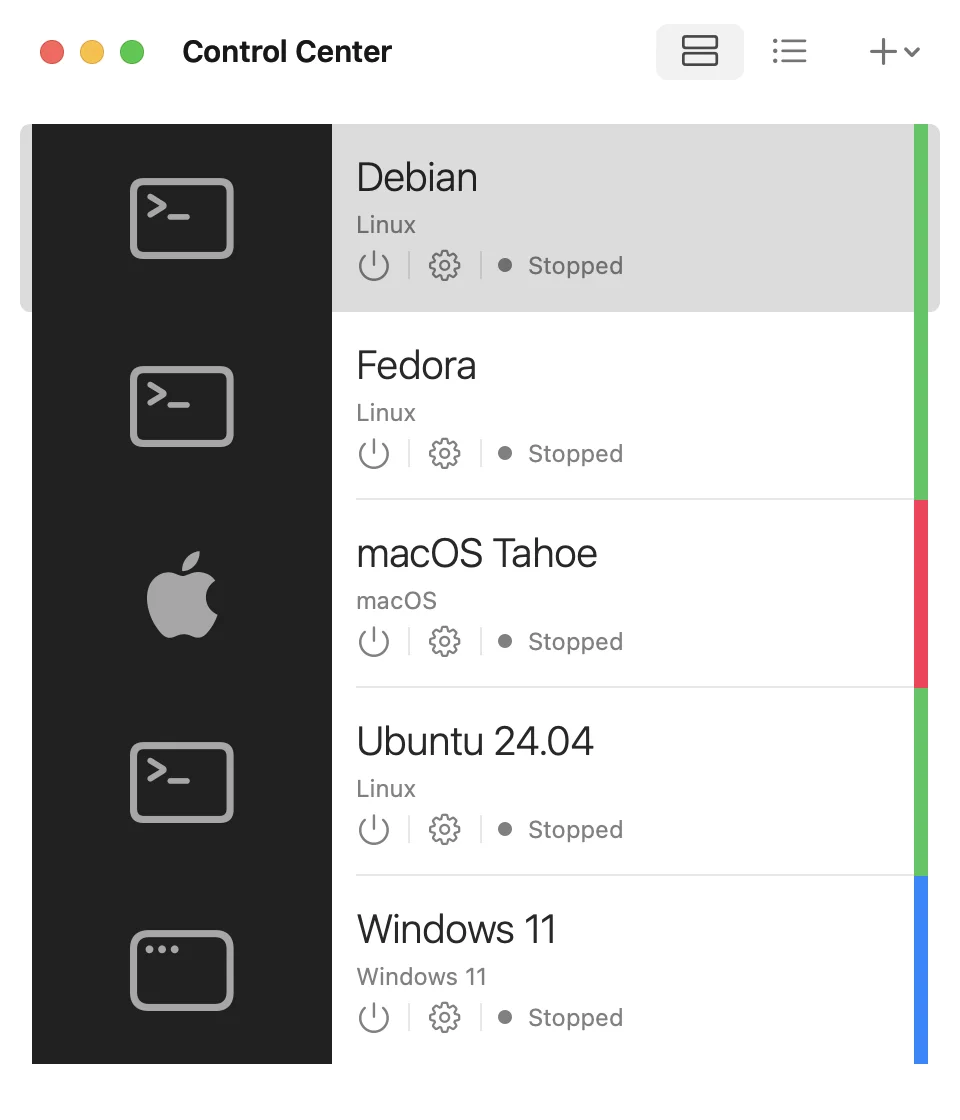
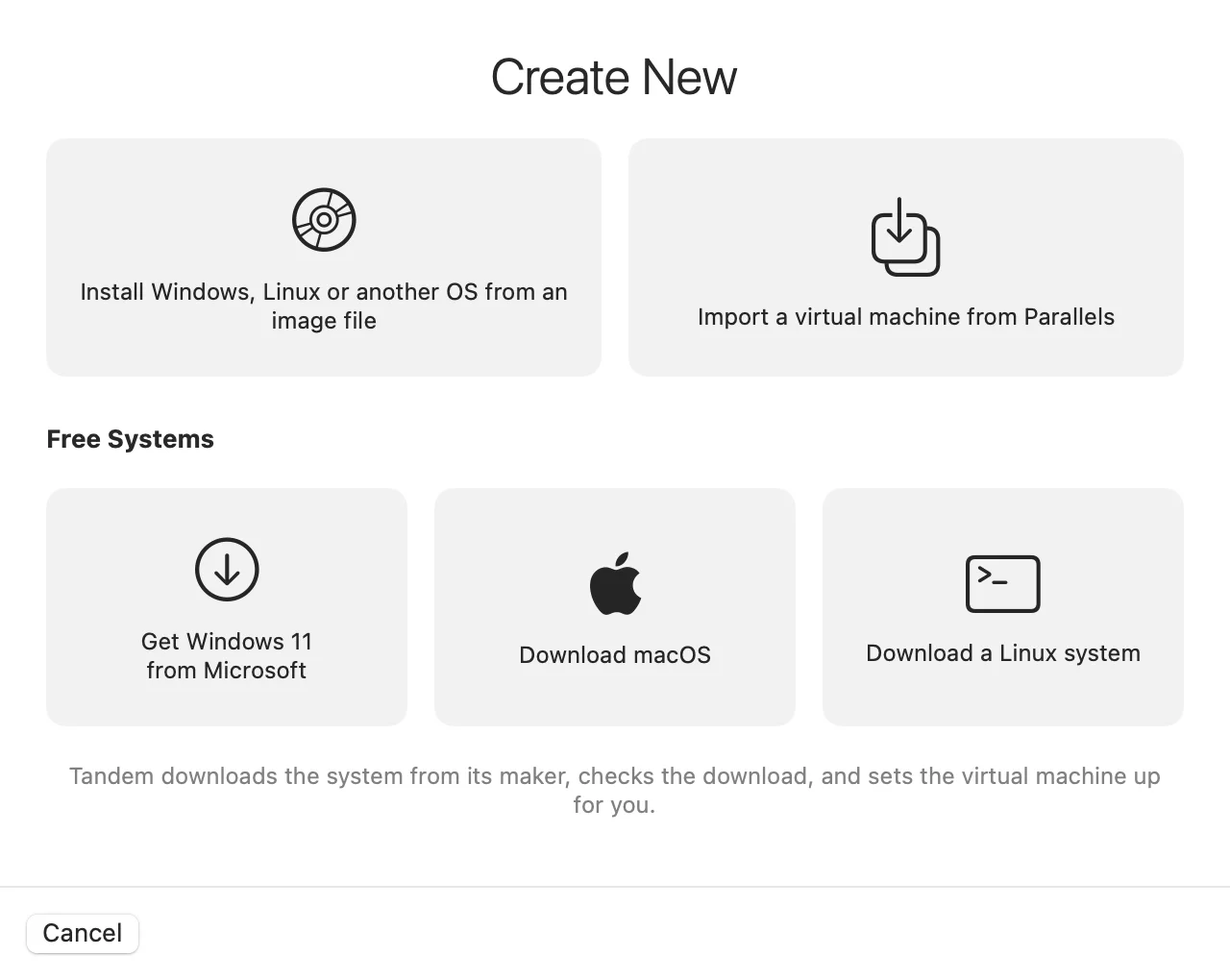
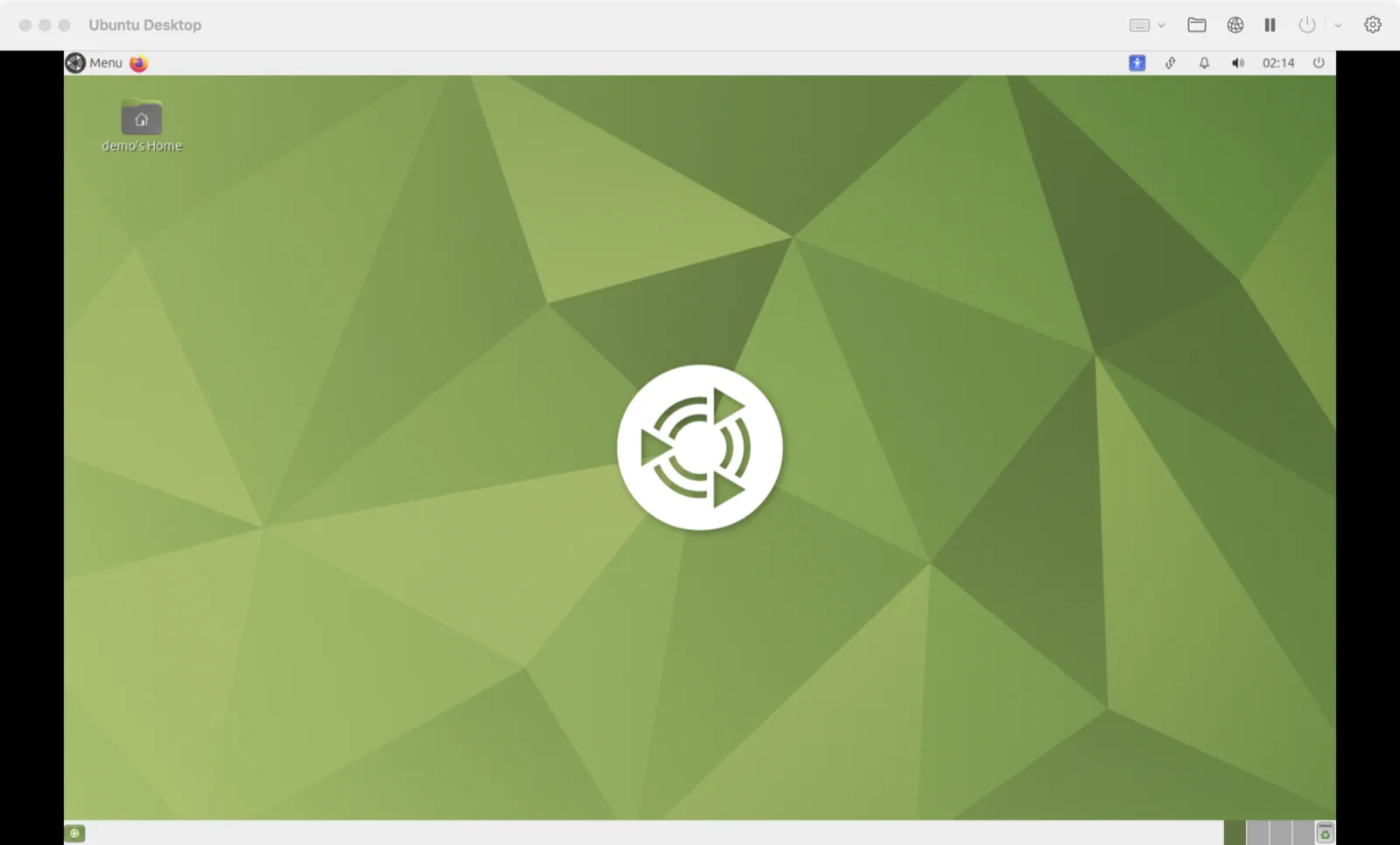
Pick Windows 11, macOS, Ubuntu, Debian, Fedora or Kali. Tandem downloads the official media and installs it unattended: you give it a name and an account.
Virtual machines for Apple silicon
Windows, Linux and macOS on your Mac, in a native app. Free and open source.
I built Tandem to replace Parallels Desktop without giving up the features I actually use: unattended installs, guest tools, Seamless mode, snapshots and a way to bring my existing VMs along.
What it does
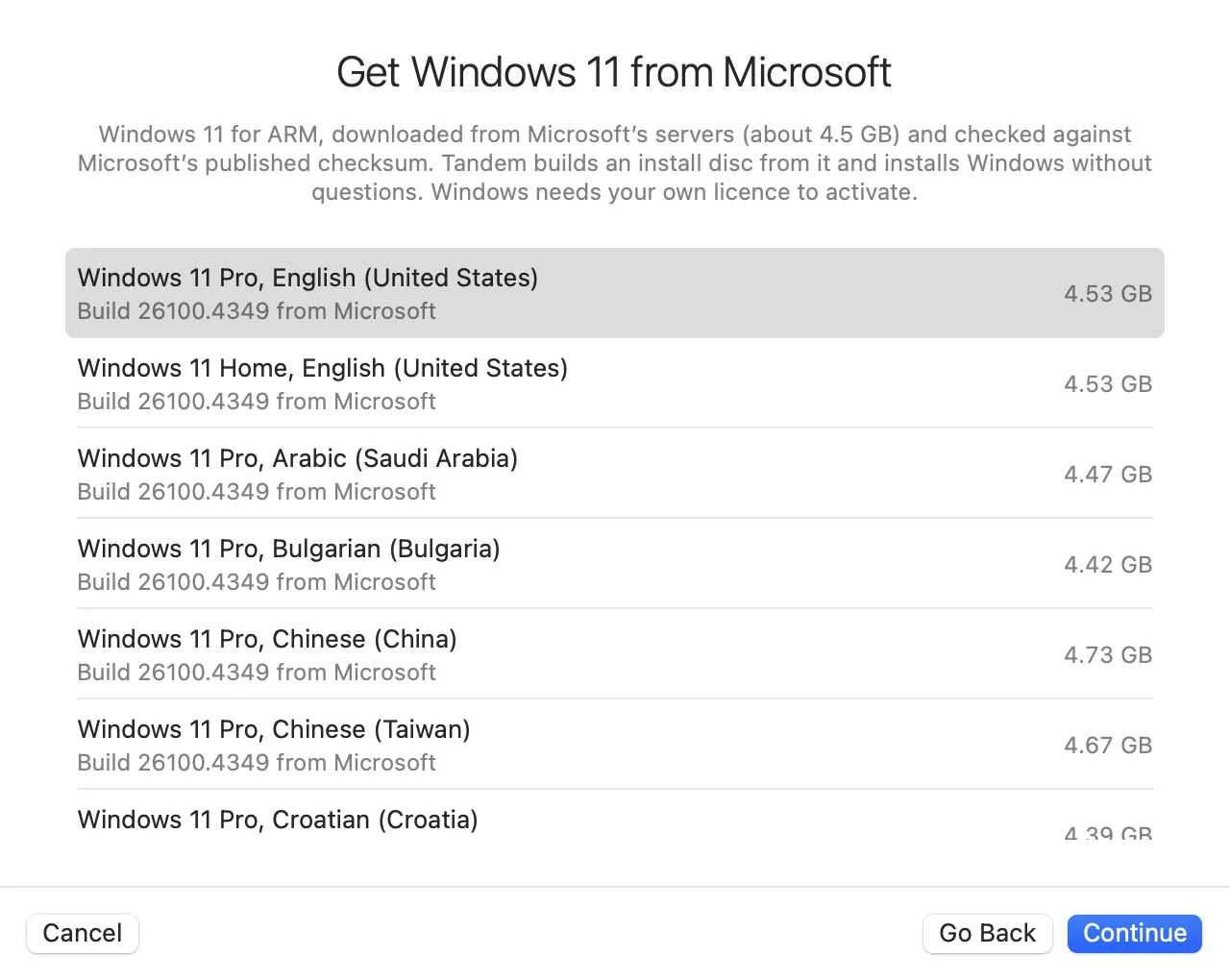
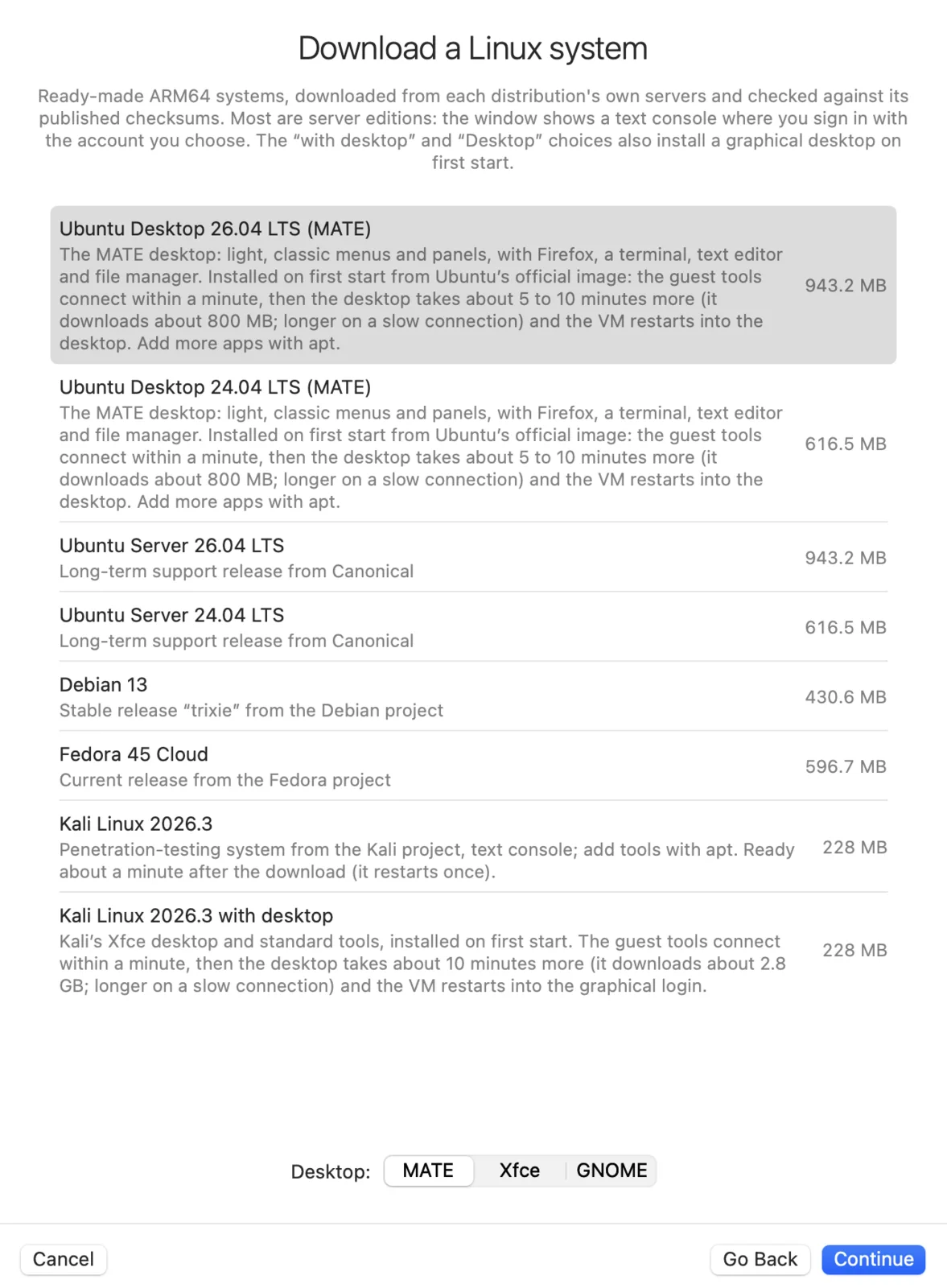
Pick Windows 11, macOS, Ubuntu, Debian, Fedora or Kali. Tandem downloads the official media and installs it unattended: you give it a name and an account.
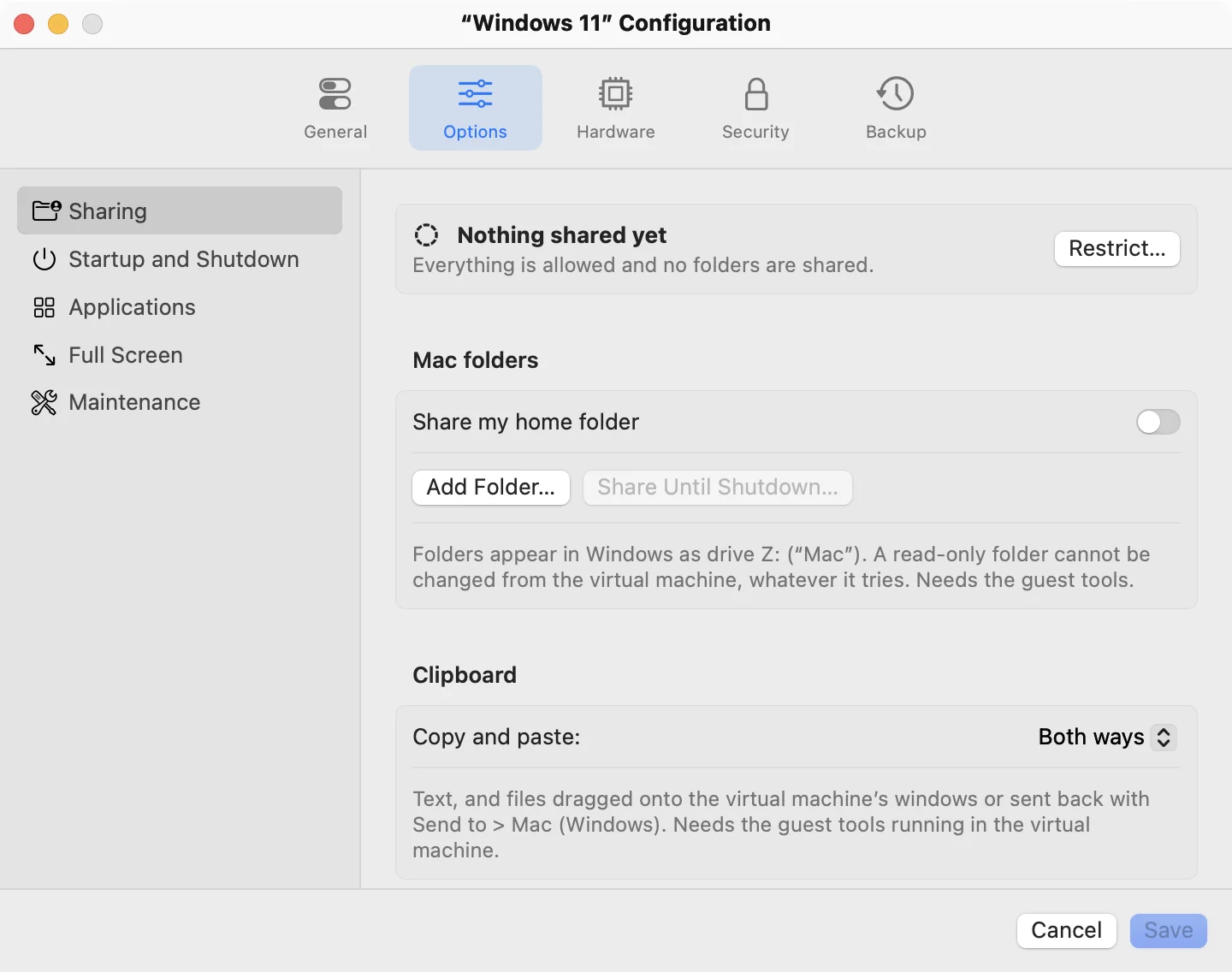
Shared clipboard, shared Mac folders, drag and drop, a resolution that follows the window, clean shutdown and restart, and clock sync after a resume.
Windows programs open in their own Mac windows and launch from Finder and the Dock. Linux guests list their programs and get Mac-side launchers.
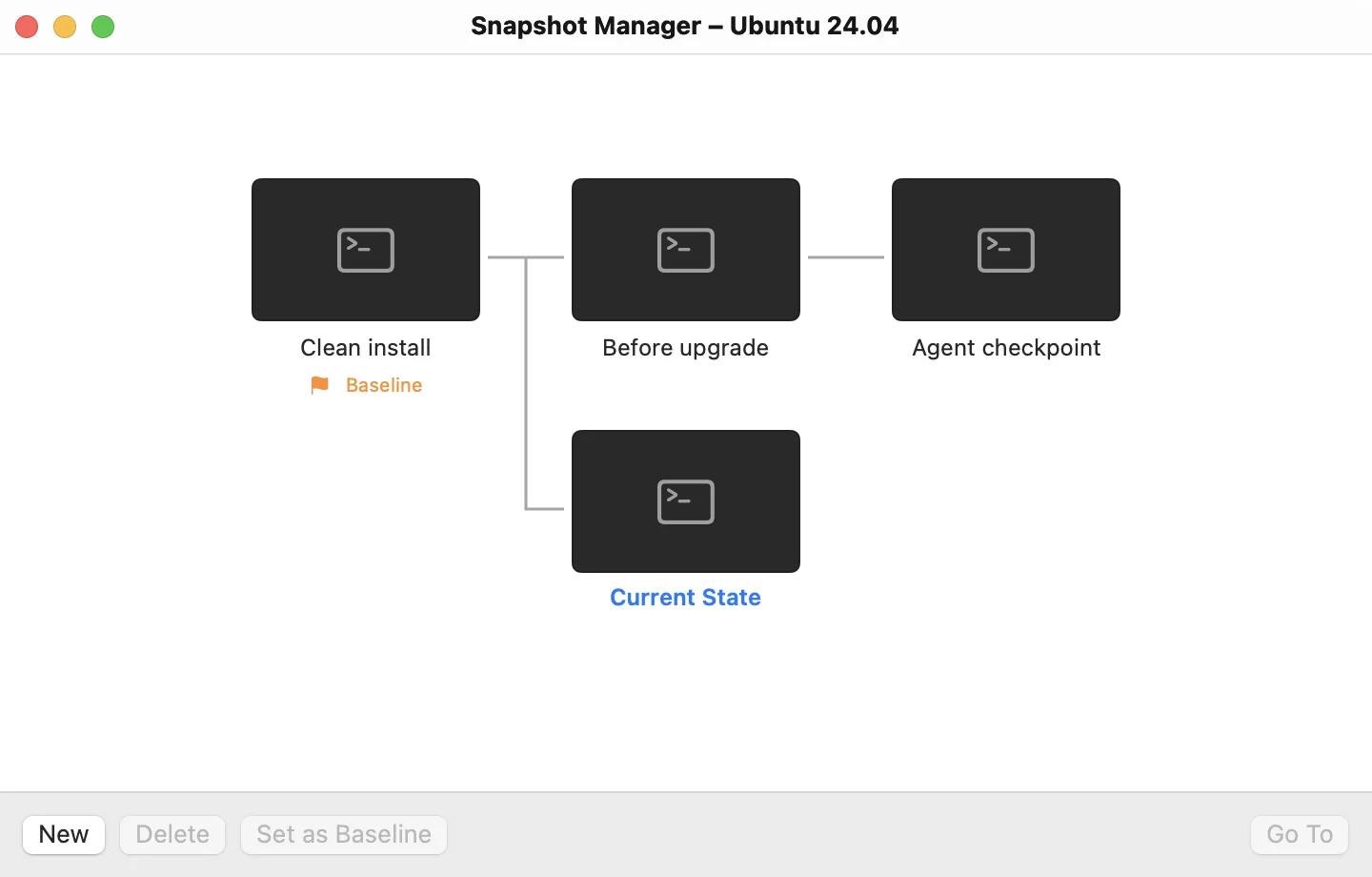
Take, revert and delete snapshots, make instant APFS clones, and suspend or resume a running VM.
Bring in Parallels Desktop VMs that you own without modifying the original bundle.
Start, stop, snapshot and run commands in VMs from the terminal, or let an AI tool do it within the permission level you set.
The guest's display scale follows your screen, with an option for the screen's full pixel resolution.
Change port forwards, the virtual cable, and shared or bridged networking while a QEMU VM runs.
macOS guests run on Apple's Virtualization framework; Windows on QEMU with Apple's Hypervisor framework; Linux on either. QEMU ships inside the app.
Screenshots
Command line and MCP
The tandem command controls your VMs from the terminal, and tandem mcp serves the Model Context Protocol so an AI tool can start a VM, take a snapshot and run commands in it.
AI access is off until you turn it on. Each VM gets its own level, you can mark one snapshot as the only revert target, and every call is logged, allowed or refused.
# everyday control
$ tandem start Debian --wait-tools
$ tandem exec Debian -- uname -a
$ tandem snapshot take Debian "Before upgrade"

# add it to Claude Code
$ claude mcp add tandem -- ~/.local/bin/tandem mcp
| AI level | What AI tools may do |
|---|---|
| Off | Nothing, not even look at it |
| Observe | List and inspect it, read snapshots, take screenshots |
| Operate (default) | Also start, shut down, suspend, resume, take snapshots, share folders read-only, run commands if allowed |
| Full | Also revert, clone, power off or reset, share writable folders |
Status
The day-to-day flows work for me, but expect rough edges, and do not keep the only copy of anything important in a VM yet.
| Area | State |
|---|---|
| Linux, Windows 11 ARM and macOS guests: install, run, snapshots, clone | Working |
| Guest tools for Windows and Linux | Working |
| Guest tools for macOS | New, lightly tested |
| Seamless mode (Windows) | Working; some drag-out cases unfinished |
| Linux Seamless mode | Experimental, off by default |
| AI tools: permission levels, baseline snapshot, activity log | Working |
| 3D acceleration | Experimental |
| USB pass-through | Drives and serial devices only |
| Automatic updates | Built, not switched on yet |
| Printers, camera, other importers | Not started |
Full detail is in the status table and roadmap on GitHub.
Get started
Tandem-0.8.0-arm64.dmg).In a Windows VM, Command is the Windows key, Option is Alt, and Control-click is a right click.
Requirements: an Apple silicon Mac and macOS 15 or later. Bridged networking, USB drives and Windows shared folders need Tandem's helper, which the Welcome window walks you through.
Verify the download against the checksum on the release page:
$ shasum -a 256 ~/Downloads/Tandem-*-arm64.dmg
Updates are installed by hand for now: the updater is built but not switched on.
Questions
Yes. Tandem is free and open source under the Apache 2.0 license. Guest operating systems keep their own licensing: downloading Windows 11 through Tandem does not give you a Windows license.
That is why I built it. Tandem covers the Parallels features I use: Windows, Linux and macOS guests, a shared clipboard, shared folders, drag and drop, snapshots, clones and a Seamless mode for Windows apps. It is early software, so check the status table before relying on it.
Yes. Use File, Import from Parallels to bring in a .pvm or .macvm bundle that you own. Tandem never writes to the Parallels bundle. A .pvm import runs on top of the original disk unless you choose to copy it, so leave the original where it is and do not start it in Parallels again.
An Apple silicon Mac running macOS 15 or later. Tandem is developed on macOS 26. Intel Macs are not supported.
Windows 11 (ARM) from Microsoft's own media, macOS from Apple's restore images, Ubuntu (MATE, Xfce or GNOME desktop, or Server), Debian, Fedora and Kali. Tandem downloads the official media and installs them unattended.
Only if you let them. Tandem includes a command-line tool and an MCP server, but AI access is off until you turn it on in Settings. Each VM then gets its own level (Off, Observe, Operate or Full), one snapshot can be marked as the only one an AI tool may revert to, and every call is logged.
No. Tandem is an independent project by James Strickland.
Tandem is free; guest operating systems keep their own licensing and activation requirements, and downloading Windows installation media through Tandem does not provide a Windows license. Tandem is an independent project by James Strickland and is not affiliated with Parallels, Apple or Microsoft. Parallels is a trademark of its owner.