I have been on a roll lately replacing software subscriptions I have paid for over the years, and Parallels Desktop was next on the list. I do not run virtual machines every day — mostly a Windows setup I keep around for GPS and Garmin work, plus occasional testing when I am in the middle of a project — so keeping an annual subscription going felt hard to justify. At the same time, I still wanted the conveniences that make Parallels easy to live with: Windows, Linux and macOS guests, a shared clipboard, shared folders, drag and drop, snapshots, and Windows apps sitting in the Dock.
So I built my own Mac app. It is called Tandem, and the source and releases are up on GitHub at github.com/Str1ck9/tandem-vm.
What Tandem Is
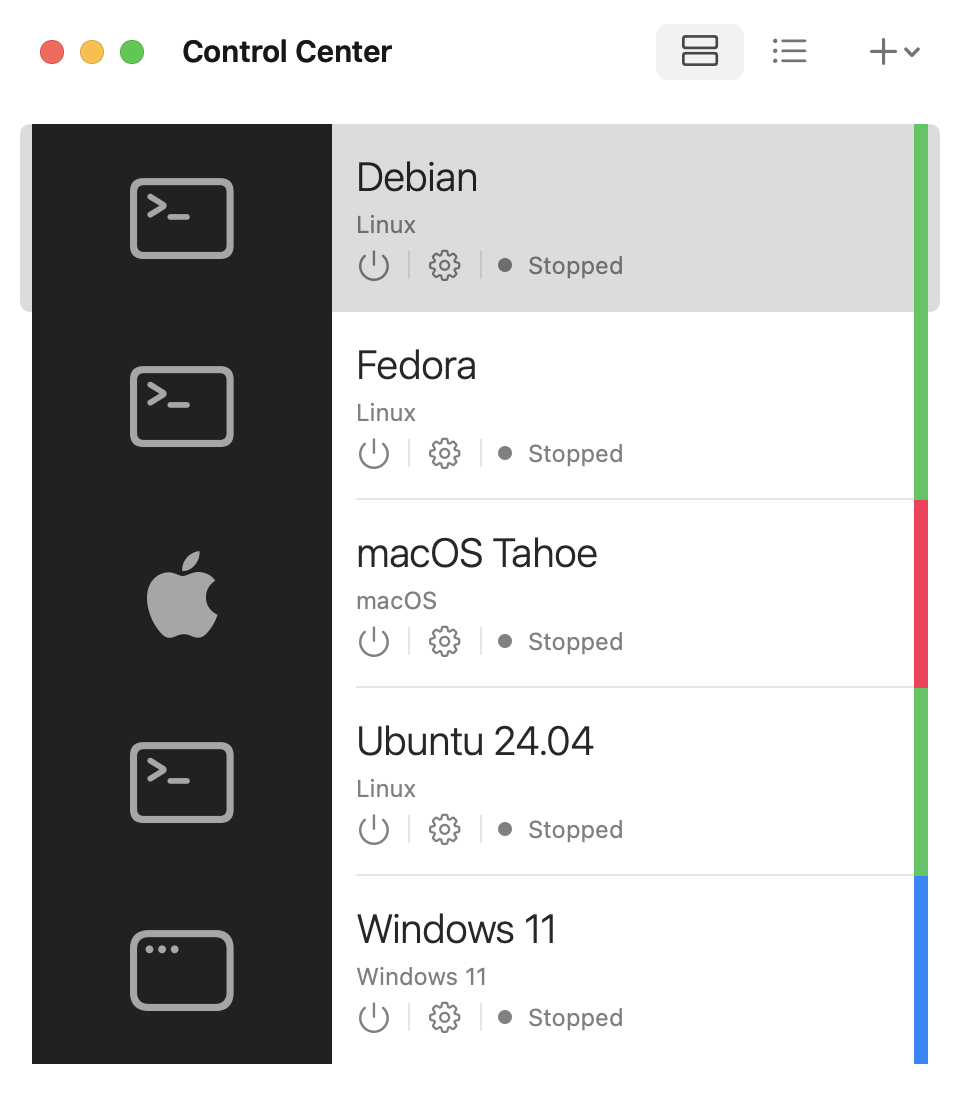
Tandem is a native Mac app that runs Windows 11 (ARM), Linux and macOS virtual machines on Apple silicon. It is free and open source under the Apache 2.0 license. Version 0.8.0 went out this week, signed and notarized, so macOS only asks once whether you want to open it.
Spinning Up and Managing VMs via MCP
Since I spend a lot of time working with AI agents and command-line tooling, the feature I actually lean on the most is Tandem's built-in CLI and MCP server. Instead of clicking through menus when I need a throwaway environment for a project, an AI tool can spin up a test VM, take a snapshot, and run commands inside it directly:
tandem start Debian --wait-tools
tandem exec Debian -- uname -a
tandem snapshot take Debian "Before upgrade"
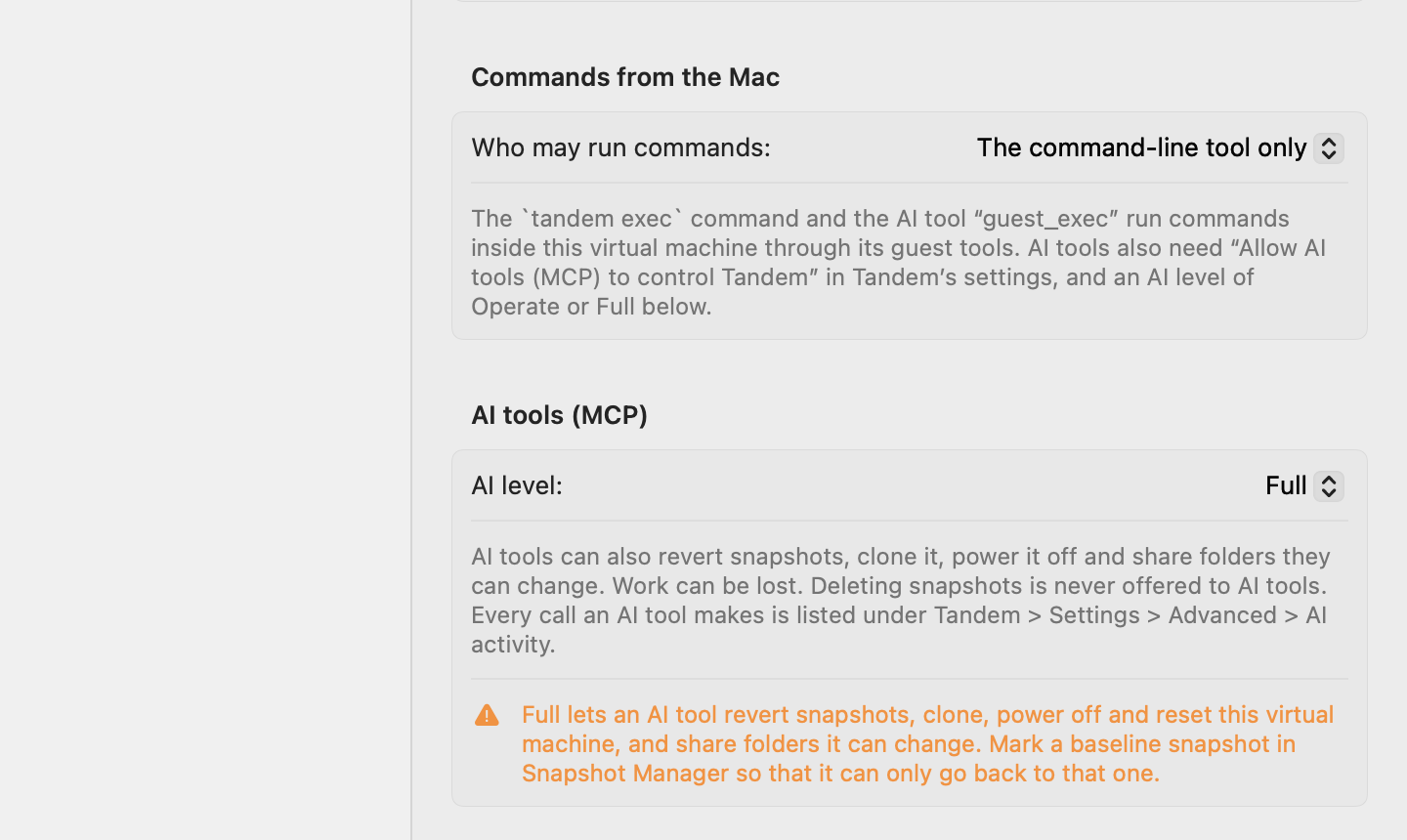
Because giving an LLM unrestricted shell access to a VM is a good way to lose work, the whole interface is disabled by default. When you turn it on, each VM gets its own permission level: Off, Observe, Operate or Full. You can also designate a single baseline snapshot, and that is the only state an AI tool is allowed to revert to. Every tool call gets logged, whether it was allowed or blocked.
The Parallels Checklist
Before I could cancel Parallels for good, Tandem needed to cover the basics I actually use:
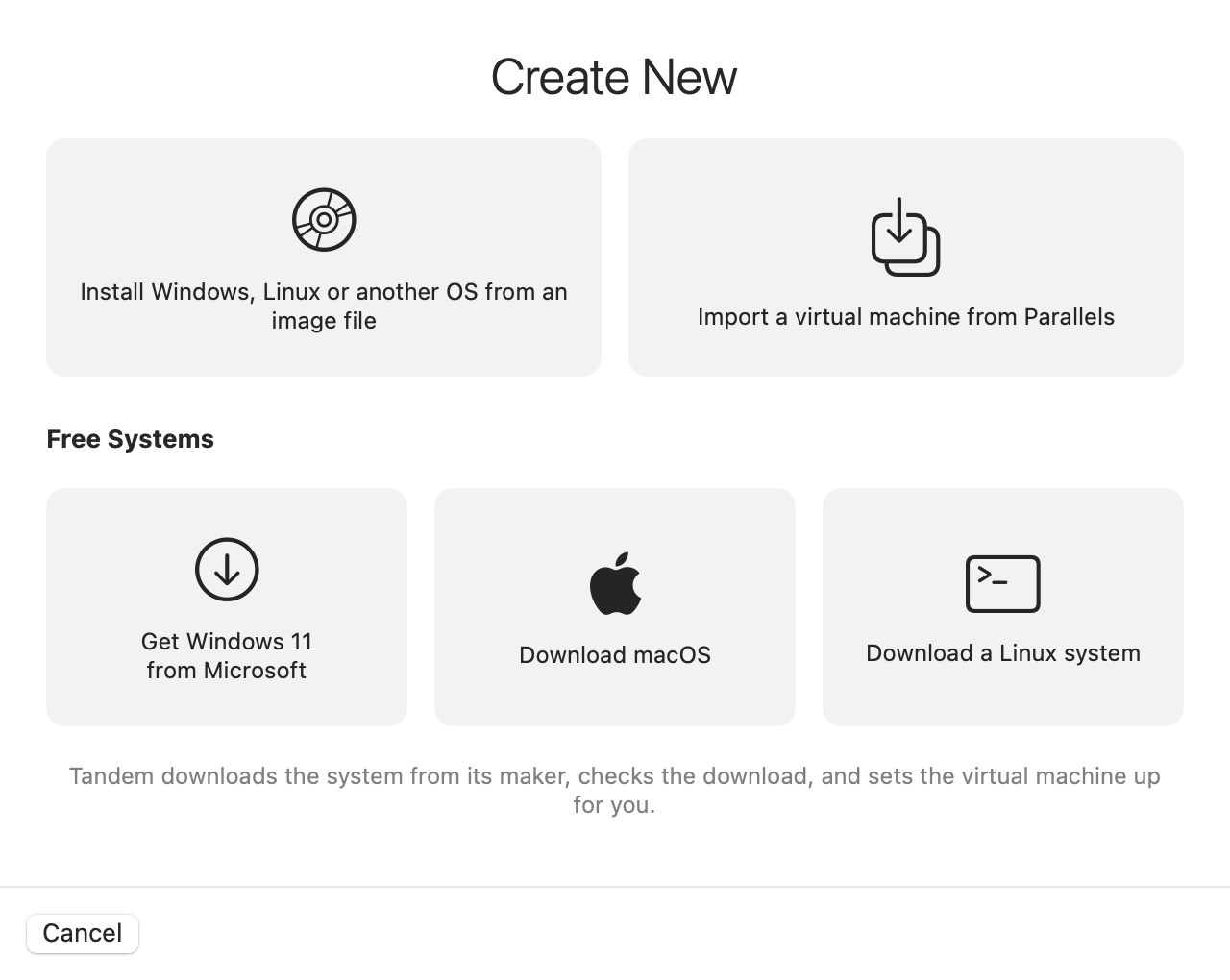
- Unattended installs without hunting for ISOs. You click Create New, pick an OS, type in a name and user account, and let it run. Tandem pulls the official installation media directly from Microsoft, Apple or the distro mirrors and handles the setup. Right now it supports Windows 11, macOS, Ubuntu, Debian, Fedora and Kali.
- Guest tools. Shared clipboard, shared Mac folders, drag and drop, dynamic window resizing, clean shutdown and restart, and clock sync after sleep or resume.
- Seamless mode. Windows applications open in their own macOS windows and can be launched straight from Finder and the Dock, similar to Coherence in Parallels.
- Snapshots and clones. You can take a snapshot before testing something risky, revert when it breaks, create instant clones, and suspend or resume running machines.
- Retina display scaling. Guest display scaling matches your Mac screen, with an option to run at full native pixel resolution.
- Importing existing VMs. Tandem can import existing Parallels Desktop VMs without touching the original files, so I did not have to rebuild everything from scratch just to switch.
Under the Hood
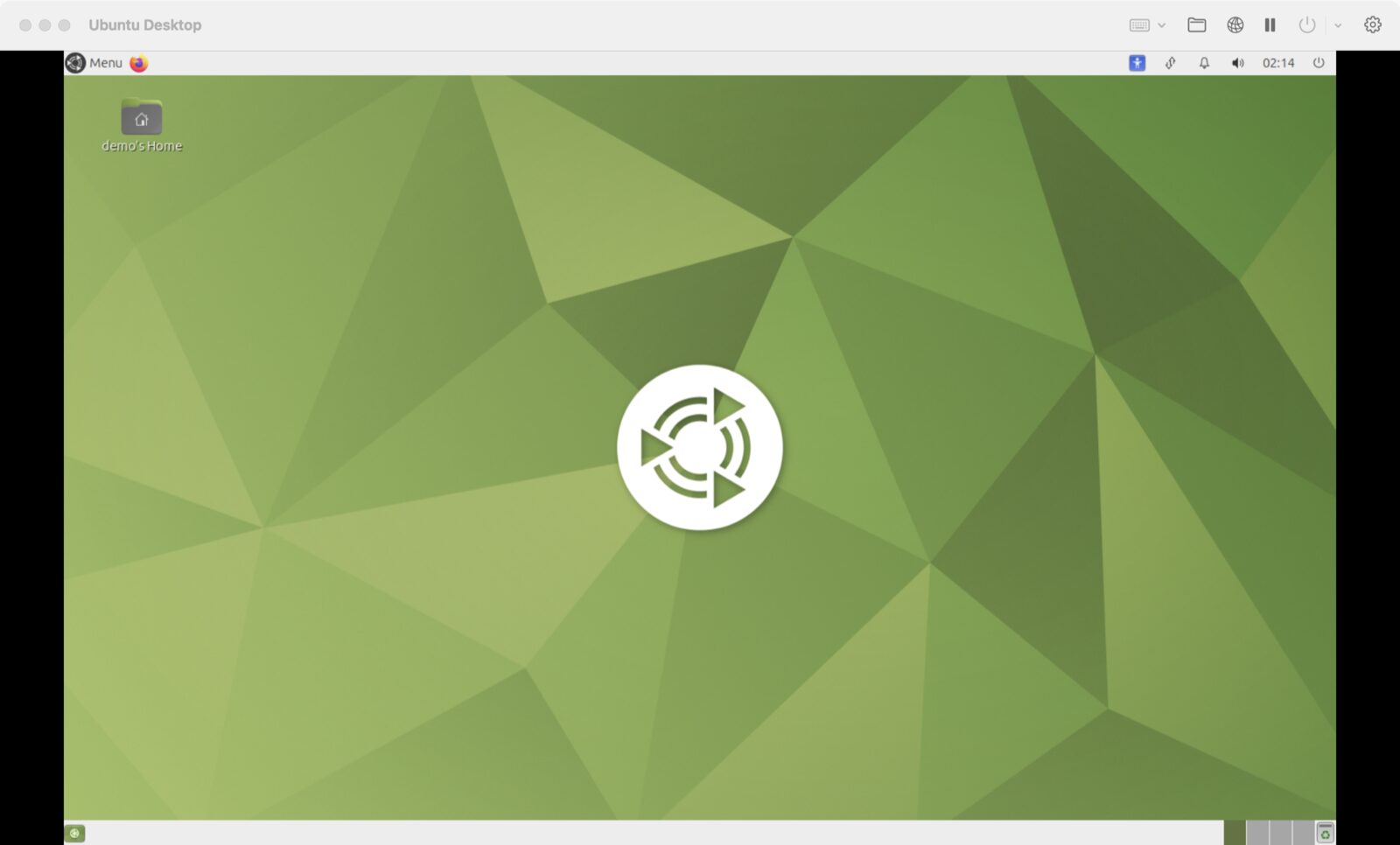
Tandem uses two different virtualization engines depending on the guest. macOS guests run on Apple's Virtualization framework. Windows runs on QEMU backed by Apple's Hypervisor framework, and Linux can use either one. QEMU is bundled inside the app, so there are no Homebrew dependencies or extra packages to install — you just drag Tandem to Applications and run it.
What Is Still Rough
Tandem is at version 0.8.0 and still has plenty of rough edges. 3D rendering has been the hardest piece to get working cleanly. It handles my routine fine, though I would not trust it yet with an irreplaceable VM you do not have backed up elsewhere.
- USB pass-through only works for storage drives and serial adapters. Passing through arbitrary USB devices requires a restricted entitlement from Apple that I have applied for and am still waiting on.
- 3D acceleration is experimental.
- The macOS guest tools are new and have not seen much testing yet.
- Printer and camera pass-through are not implemented.
- The auto-updater is built into the app, but I have not turned it on yet, so updates are manual downloads for now.
A couple of quick notes on licensing: Tandem is free, but I obviously cannot distribute operating system licenses. Letting Tandem download the Windows 11 installer does not give you an activated copy of Windows. Also, this is a solo side project — Tandem is not affiliated with Parallels, Apple or Microsoft.
Try It
If you have an Apple silicon Mac running macOS 15 or later, you can download the latest build, drop it in Applications, and click Create New:
If you give it a spin and hit a bug, open an issue on GitHub.